General Information
Are there any differences between Axel on Android and iOS?▼
We aim to provide a consistent experience across platforms, but some differences arise due to operating system policies.
On Android, Axel is fully hands-free: it can control apps in the background, and can overlay on other apps. On iOS, Apple's operating system policies prevent Axel from interacting with other apps or drawing over them while running in the background. You can still talk to Axel in the background on iOS, but actions that control other apps are restricted.
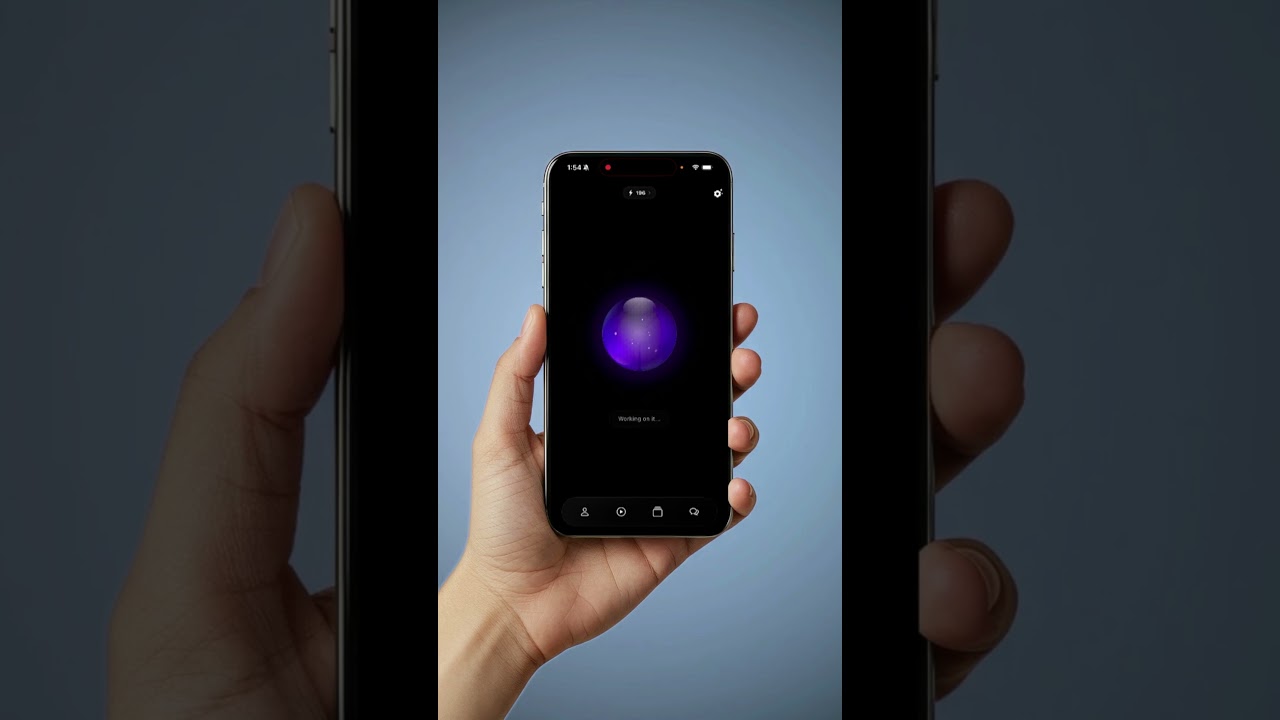
To enhance accessibility on iOS, Axel supports the Dynamic Island, allowing for quick, glanceable interactions and easy access while using your device, making everyday tasks faster and more seamless without needing to switch apps.
In short: On Android, Axel can run with all features enabled in the background. On iOS, certain background interactions are limited by Apple's policies, but features like Dynamic Island integration help provide quick and convenient access tailored for Apple users.
Is Axel free to use? ▼
Axel is a paid app, but you can get started with a free trial. users may also receive free credits, which can sometimes be extended.
Can I call Axel something else?▼
No, Axel is part of the assistant's identity and cannot be changed.
Is Axel hands-free?▼
Yes! Axel is fully voice-activated, making it easy and safe to use while driving, cooking, or doing anything that keeps your hands busy. Only sensitive actions require a quick tap on your phone for confirmation.
Can I interrupt the assistant while it's speaking?
▼
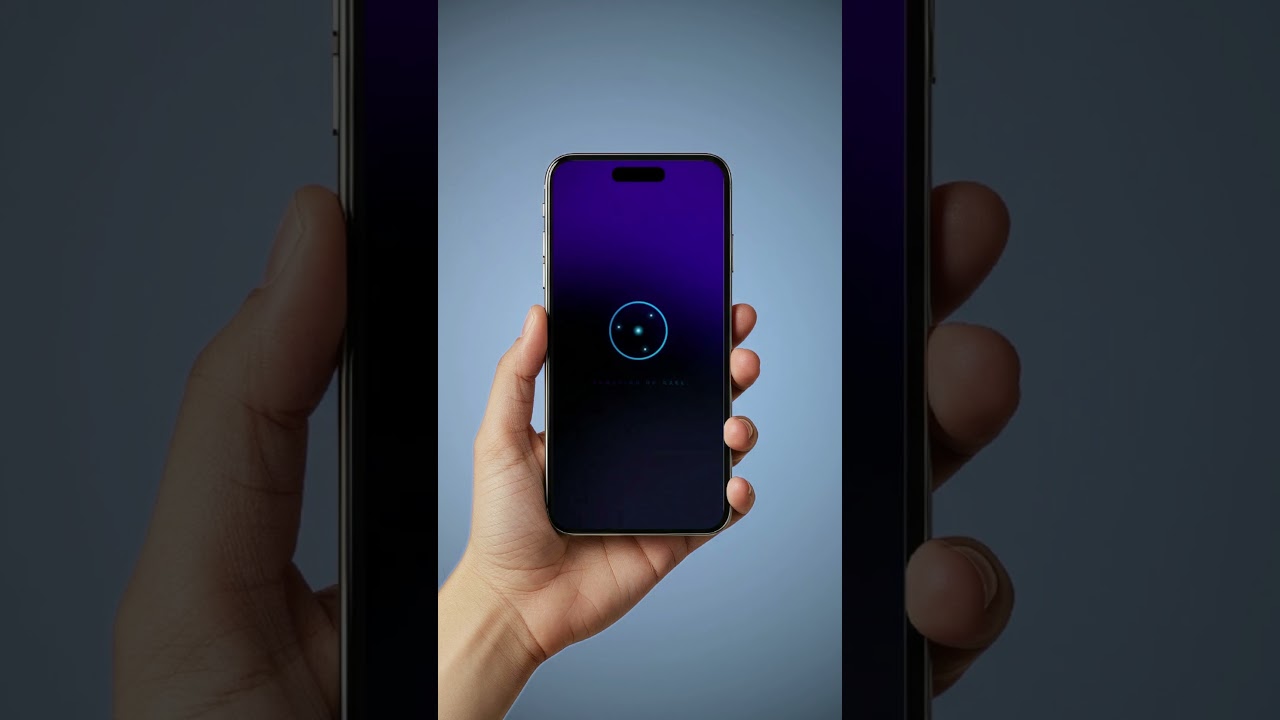
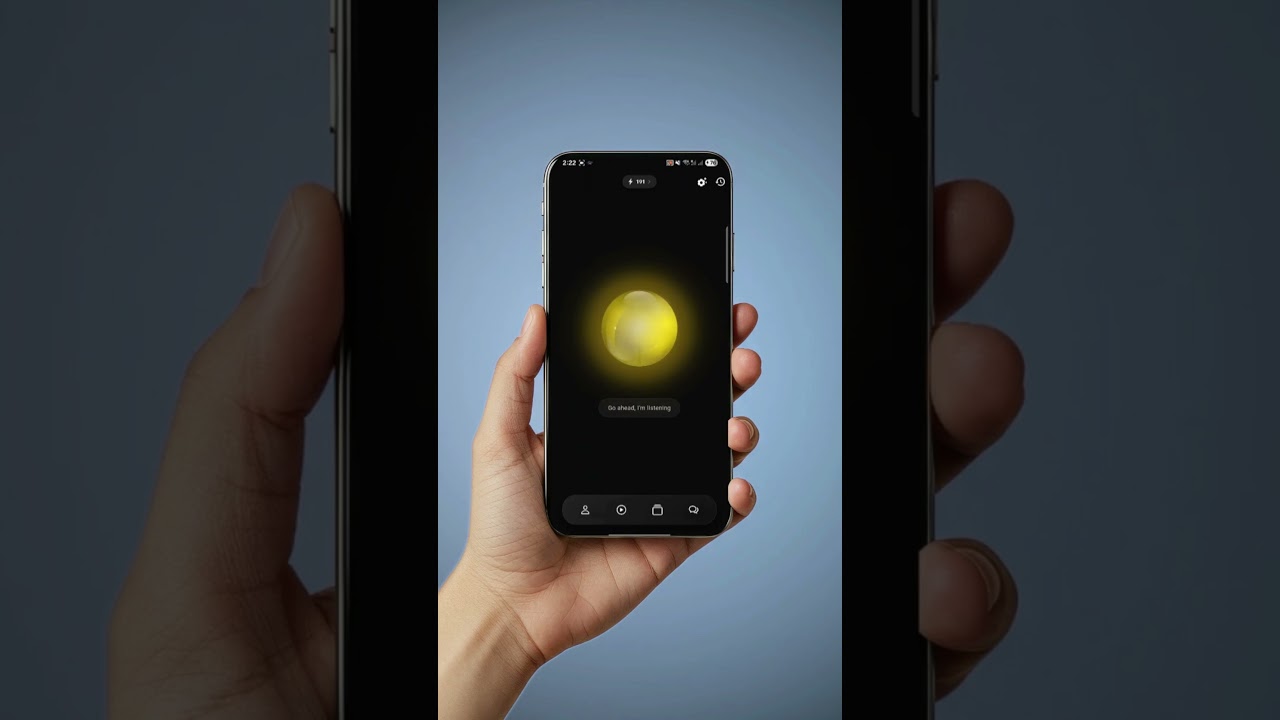
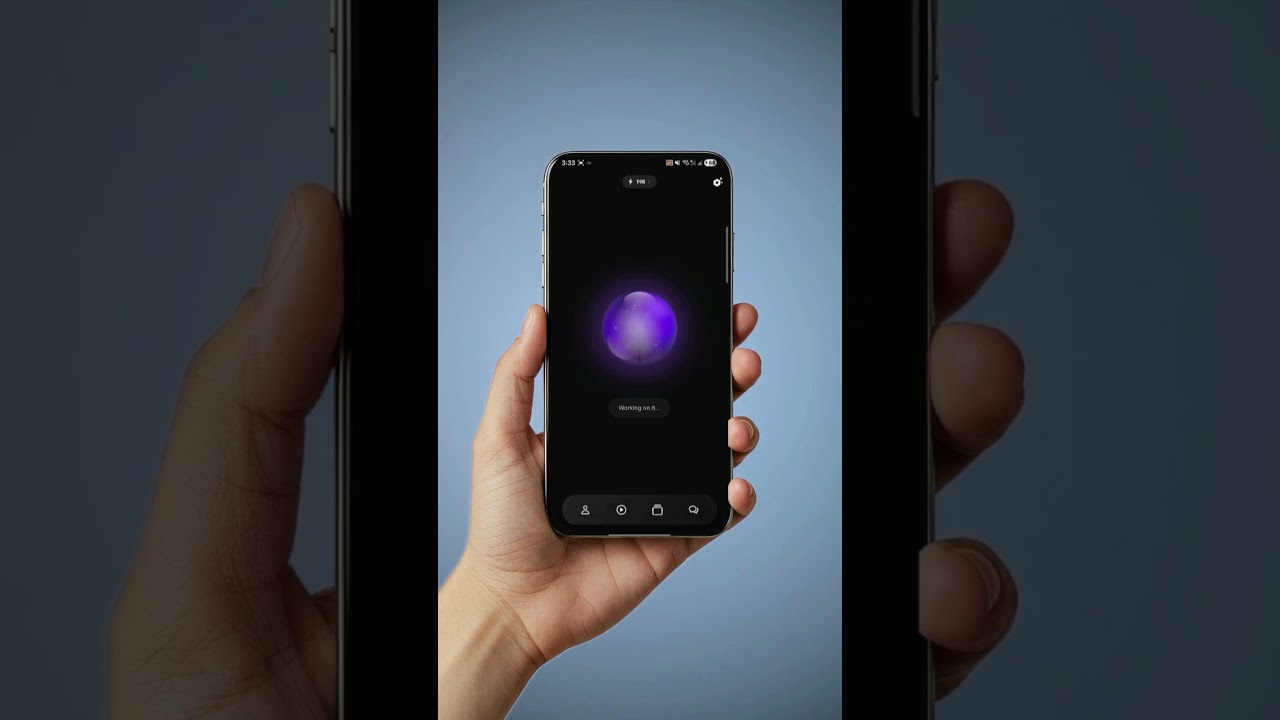
Yes! You can interrupt the assistant at any time by tapping once on the orb/bubble or on the state text displayed on the main page. This will immediately send the assistant into listening mode.
Can I dismiss the assistant when it's awake?
▼
Yes! You can dismiss the assistant by double-tapping on the orb/bubble or the state text displayed on the main page. This will immediately put the assistant into sleep mode.
What's Axel's response time?▼
Axel typically responds in about 1 second, though it may take up to 3 seconds depending on your plan and action type. Response times may vary based on your internet connection. A stable, high-speed connection ensures the best performance.
How far back can the assistant remember?▼
The context window varies by interaction type (e.g., actions, advanced voice mode, or chatbot), but it's designed to match the typical memory span of a natural conversation.
Does Axel work in the background?▼
Yes, Axel is fully hands-free and can process requests whether the app is in the foreground or background, even if your phone is locked. However, some actions may require you to unlock your phone due to operating system policies (e.g., Android).
Can I use Axel on multiple devices?▼
Yes, you can use Axel on multiple devices. However, we recommend logging out of existing sessions before signing in on a new phone to avoid unexpected behavior and double charges. Avoid using Axel on multiple phones simultaneously.
Can Axel access my phone screen?▼
No, Axel cannot access your phone screen due to privacy and security restrictions. However, you can share a screenshot or describe what you see in text, and Axel can help based on that information.
Can Axel answer phone calls or talk to my contacts?▼
No, Axel cannot answer calls or speak directly to your contacts. You can, however, use Axel to initiate voice or video calls if needed.
Can Axel post videos or images directly to social media?▼
No, Axel cannot create or post videos or images directly to social media. Axel can help you craft text posts and guide you on publishing them on platforms like LinkedIn, Facebook, or Twitter.
Can Axel read my messages or emails?▼
No, Axel cannot read your messages or emails. You can still use Axel to send messages or emails on your behalf, but your personal content remains private.
Can Axel book rides for me?▼
No, Axel cannot book or schedule rides directly. You can ask for guidance or instructions, but the booking must be completed manually by you.
Why do credit deductions vary, and why do some requests cost more?▼
Each request uses a different number of tokens based on its complexity. For example, real-time voice chat costs more because it requires more processing in real time.
Why is Axel sometimes slow?▼
Axel's speed mainly depend on your internet connection.
How to make Axel work in the background?▼
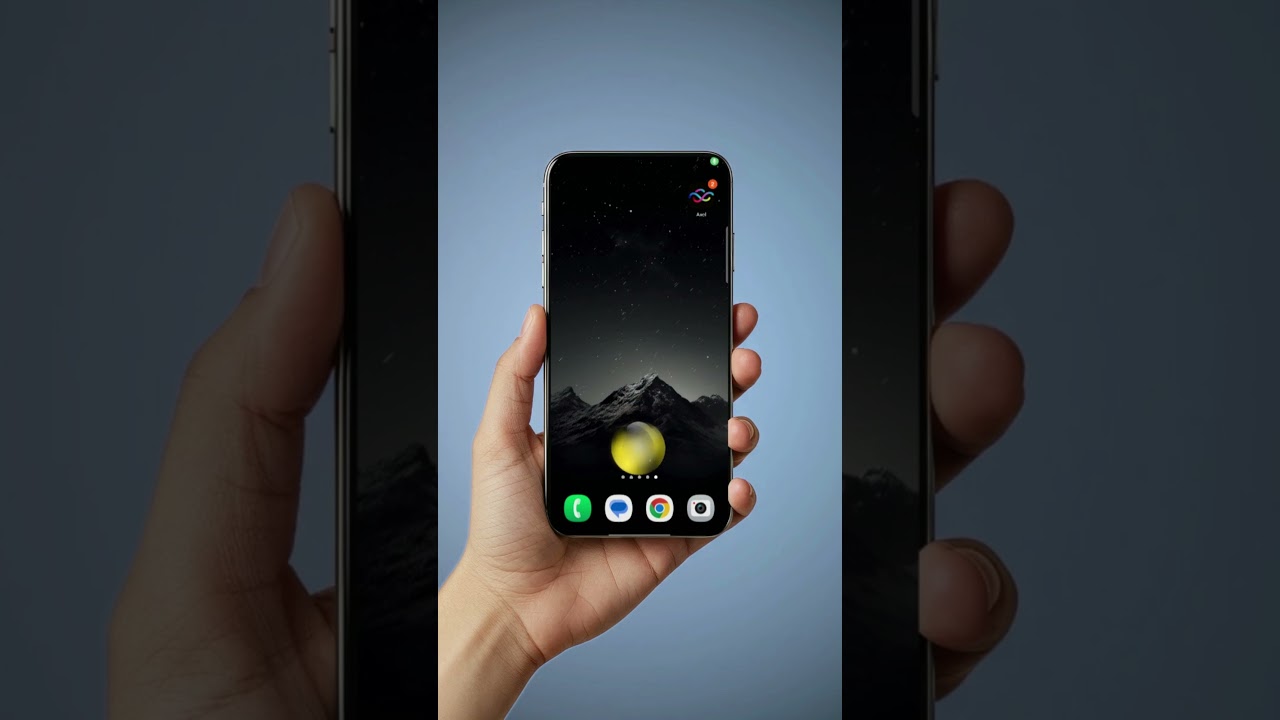
Send the app to the background, then say Hey Axel. An overlay orb will appear.
Can Axel play music from Spotify, YouTube Music, or other music apps?▼
No, Axel can't play music from other apps. You can play music directly in the app; just tell Axel what you want to play.
Can Axel save my voice and respond only to me?▼
Not yet. Keep the app updated for future releases.
I do not see my calendars. Why?▼
If your calendars aren't showing, make sure they are added in your device settings. On iOS, restarting Axel may also help your calendars appear.
Where can I get support? ▼
You can contact our support team through our website or by emailing info@leaaxel.ai.
How do I delete my Axel account?▼
You can permanently delete your Axel account directly from within the app at any time. Simply open the app, go to ⚙️ Settings → App → Data Controls → Delete Account, and follow the on-screen confirmation steps.
Deleting your account permanently removes your account and associated personal data from our systems. If certain information must be retained to comply with legal obligations, resolve disputes, prevent fraud, or enforce our agreements, it will be retained only for as long as required by applicable law.
In short: You can delete your account anytime from within the Axel app by navigating to ⚙️ Settings → App → Data Controls → Delete Account. Your account and personal data are permanently deleted, except for any information we are legally required to retain for a limited period.
Plans & Billing
How to manage my subscription?▼
Go to Profile, then Subscription.
What's the difference between weekly and monthly plans?▼
Weekly plans offer the same experience as the equivalent tier in the monthly plan. This option lets you explore Axel and find the best fit before committing to a monthly subscription.
Is there a limit on the number of requests I can make?▼
Yes. Each plan comes with a set number of credits that can be used for requests to the assistant. You can also see your remaining credits directly on the app's toolbar for easy tracking.
What's the difference between a request and a credit?▼
A request is any interaction you make with the assistant, such as sending a message or performing an action.
Each request uses a certain number of credits, depending on its complexity.
Some requests might use less than one credit, while others may consume multiple credits.
When do my credits renew?▼
Your credits renew at the start of each new billing cycle, depending on your plan.
For example, if you're on a weekly plan, your credits renew every week.
If you're on a monthly plan, they renew each month.
What happens if I downgrade my plan?▼
Your current plan will remain active until the next billing cycle, when your new plan takes effect.
What happens if I upgrade my plan?▼
Your new plan will take effect immediately, and you'll be charged the full price. Any remaining quota from your previous plan will not carry over.
Can I cancel my plan?▼
Yes, you can cancel your plan at any time through the app or App/Play Store. Your plan will remain active until the end of the current billing cycle.
What happens if I request an action not supported by my plan?▼
If you request a feature from a higher-tier plan, the request will be deducted from your quota but won't be performed.
Do you offer annual billing options?▼
Currently, we offer weekly and monthly billing options. We may consider annual plans in the future. If you have any special requirements, please contact us at info@leaaxel.ai.
Is there a free trial available?▼
Yes, a free trial is offered on our weekly plans. Check our website or the app store for current promotions.
Usage & Credits
What are the best ways to use Axel? (Sample Commands)▼
You can talk to Axel naturally without memorizing rigid formulas. Here are some great ways to get started:
- “Plan my week”
- “Write a professional email to my boss”
- “Set a reminder for tomorrow at 9 AM”
- “What’s on my calendar today?”
- “Play relaxing music”
- “Call John”
- “Navigate to the nearest gas station”
- “Create a shopping list”
- “Open my mail app”
- “Show me pictures of golden retrievers”
How are credit units deducted?▼
Generally, each request on Axel uses a few credits. More complex requests, especially those with voice chat, use more tokens and can cost significantly more credits.
Do I get charged for manual music search in the media player?▼
Manual music searches are generally free if you don't make a direct request to Axel. A small credit may be used after several recommendations or suggestions.
What happens if I exceed my credit limit?▼
If you exceed your credit limit, you can either wait for the next billing cycle or upgrade to a higher plan for more credits.
Can I check my credit usage? ▼
Yes! Your remaining credits are displayed in the top app bar, and you'll receive a notification when you're nearing your limit.
Settings & Customization
Can Axel wait longer for my command?▼
Yes, go to Settings (⚙️ icon) and adjust "Listening Patience."
Can I customize Axel's controls?▼
Yes, go to Settings (⚙️ icon) to adjust Axel's functionality.
Can I change Axel's voice?▼
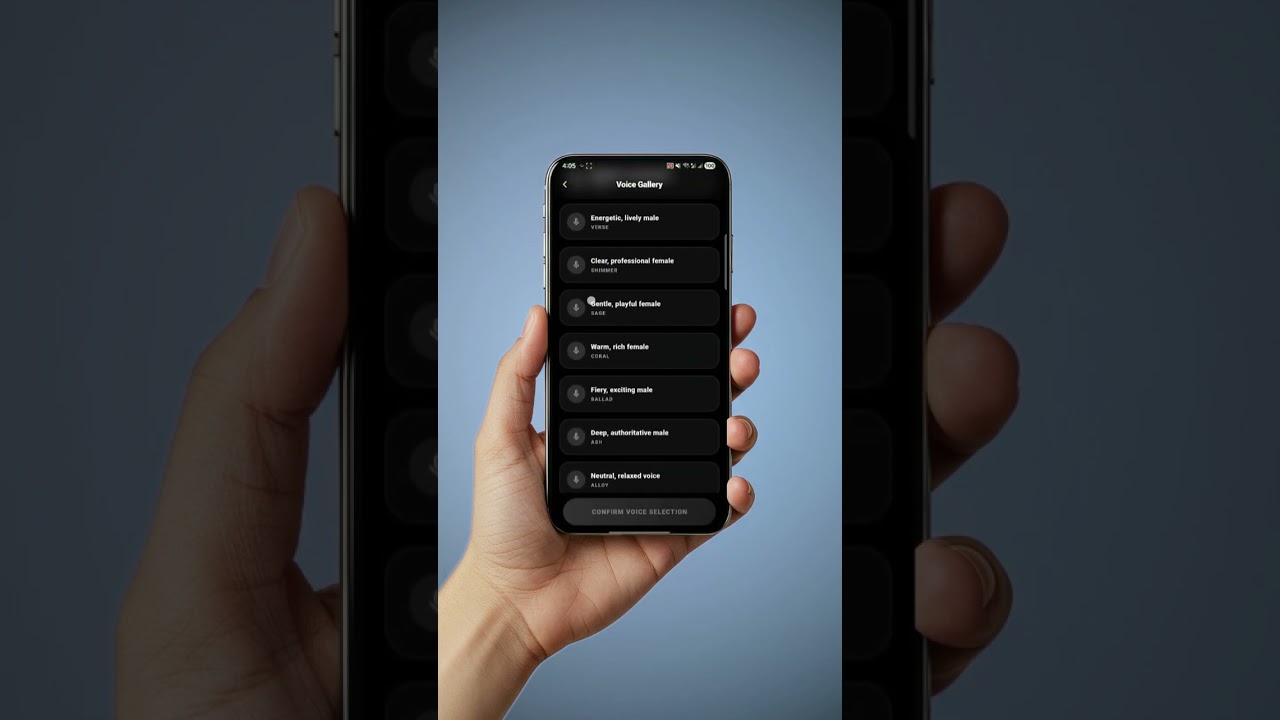
Yes! You can change Axel's voice by going to the Settings page (⚙️ icon) and selecting Assistant Voice.
What is the number counting down on the screen?▼
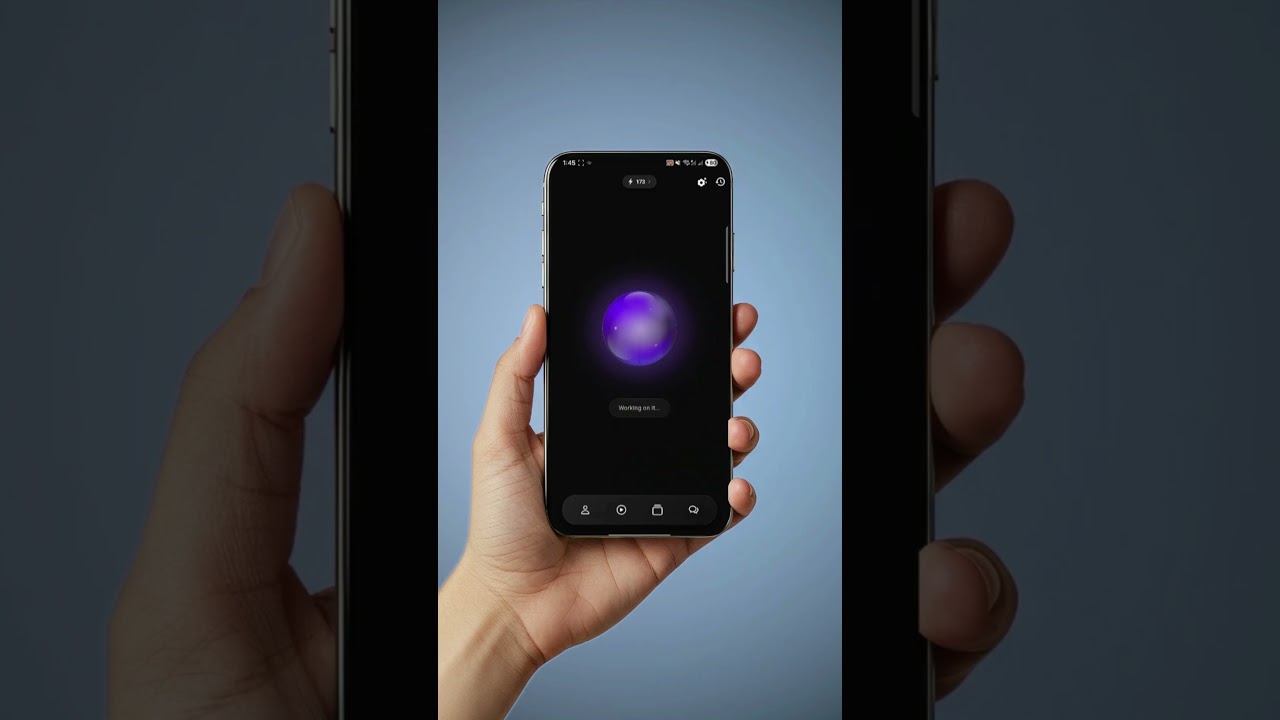
You are likely referring to the credit count. Long-press it to learn more.
How do I know what each icon or button does?▼
Simply press and hold any icon or button, and a tooltip will appear explaining its function.
Can I set Axel as my default assistant?▼
Yes (Android only)! You can set Axel as your default assistant through the assistant settings. Tap ⚙️ icon in the App bar, then find the "Set as Default Assistant" option under Advanced Settings.
Can I control the sensitivity of the assistant?▼
Yes, you can adjust both listening and waking sensitivity in the assistant section. For instructions, refer to the overview video or the app's help section.
What happens if I lower the listening sensitivity?▼
Lowering the sensitivity makes the assistant less responsive to background noise, allowing it to focus on picking up only human speech. This is helpful in noisy environments.
What happens if I increase waking confidence?▼
Increasing waking confidence reduces false positives, but requires a more deliberate call, such as clearly pronouncing "Hey Axel."
Can the assistant only recognize my voice?▼
Currently, the assistant does not recognize your voice, but we are exploring the possibility of adding this feature in the future.
Can I speak in multiple languages at the same time?▼
Yes, Axel is multilingual and can understand mixed-language requests. Just make sure the assistant's language setting is set to 'Auto-detect.'
What's the difference between 'Auto-detect' and fixed language?▼
'Auto-detect' provides a multilingual experience, but it may be slightly slower compared to using a fixed input language.
I can't find my language in the input options▼
If your language isn't listed, you'll need to install and enable it in your phone settings. Please refer to your phone manufacturer's documentation for instructions.
Can I skip the assistant's acknowledgement?▼
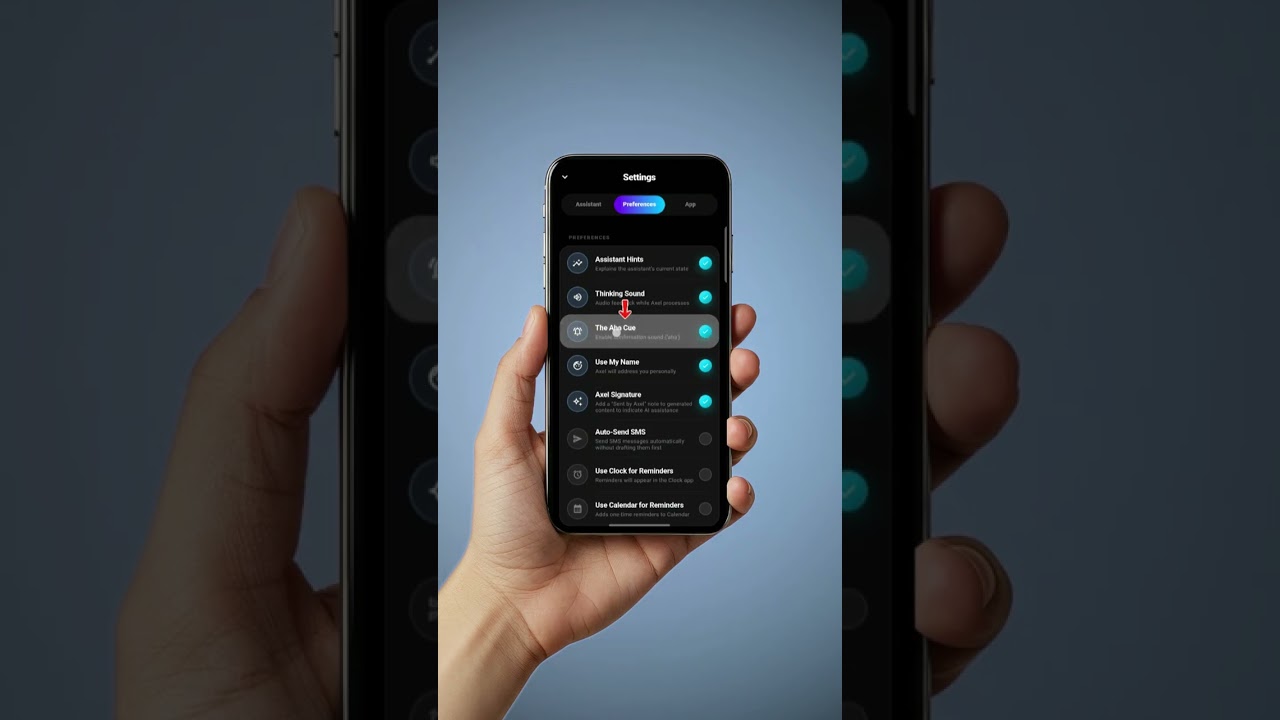
Yes, you can disable the 'aha' or 'Mmm Hm' acknowledgement through asistant settings (⚙️ icon). However, we recommend keeping it enabled to confirm the assistant is ready for your request.
How can I update my default calendar?▼
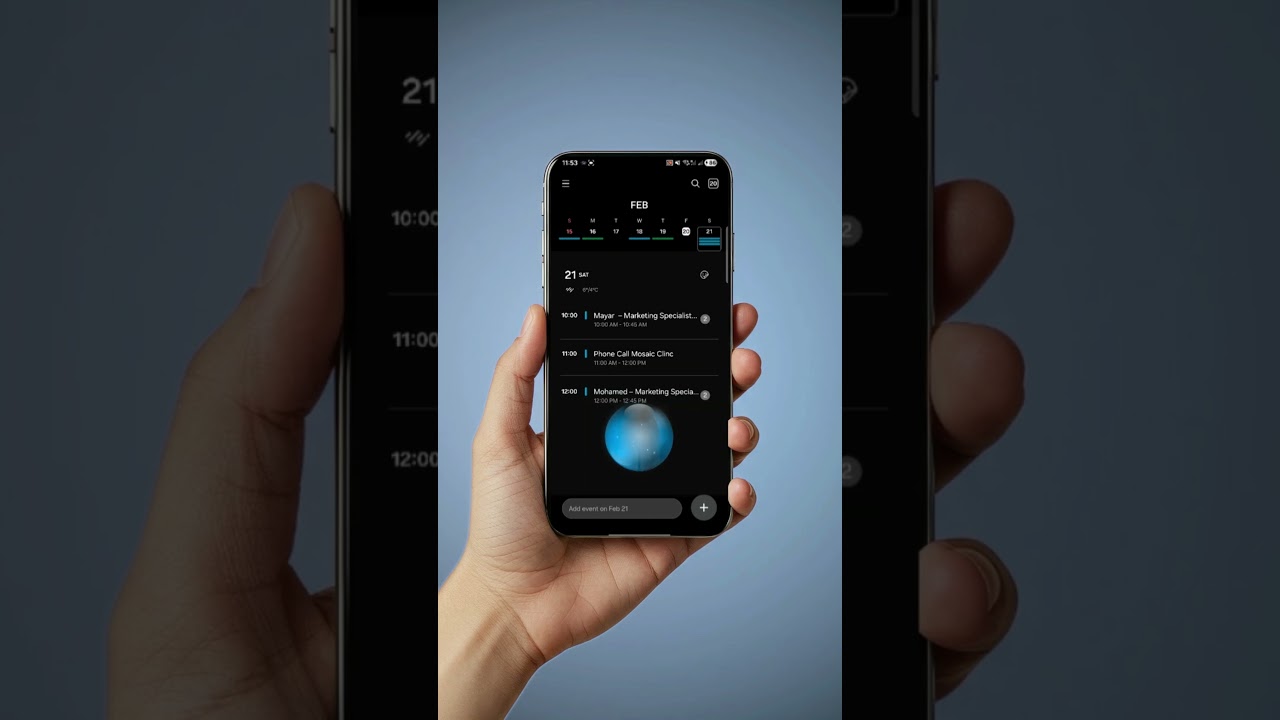
Go to the settings section under your profile. You can update your default calendar under the Set Default Calendar option.
What happens if I disable the 'hints' option?▼
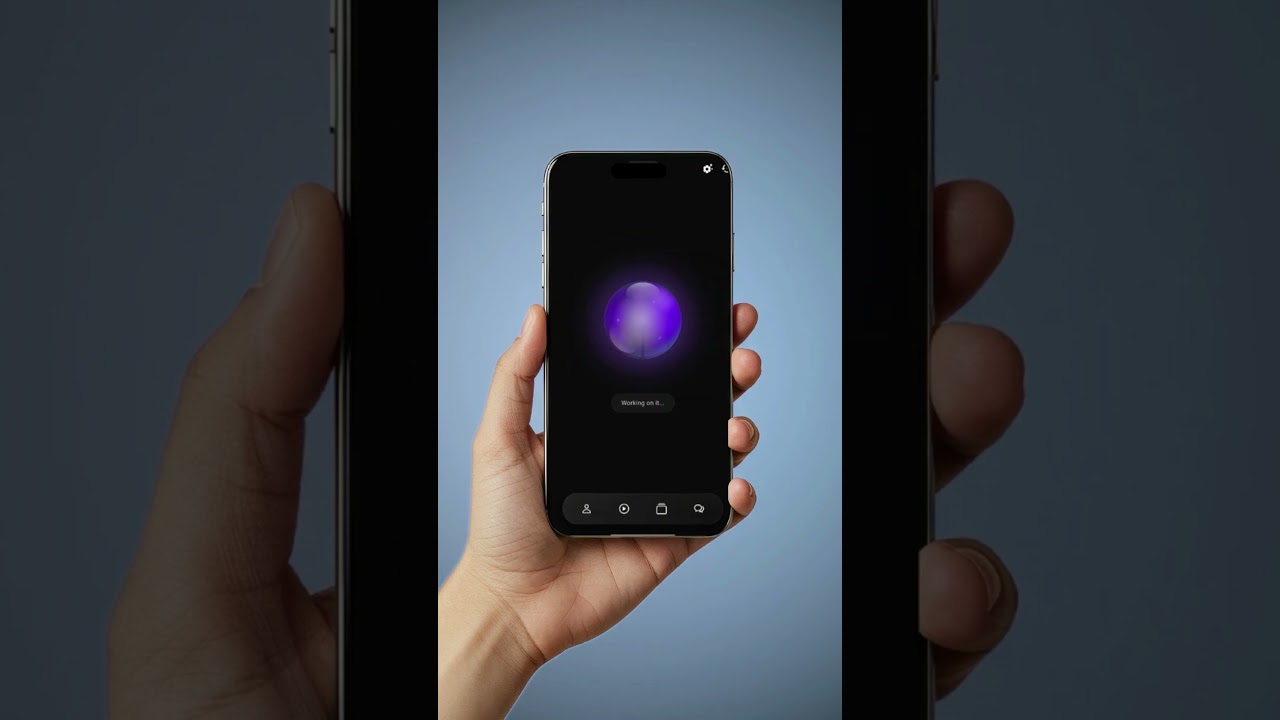
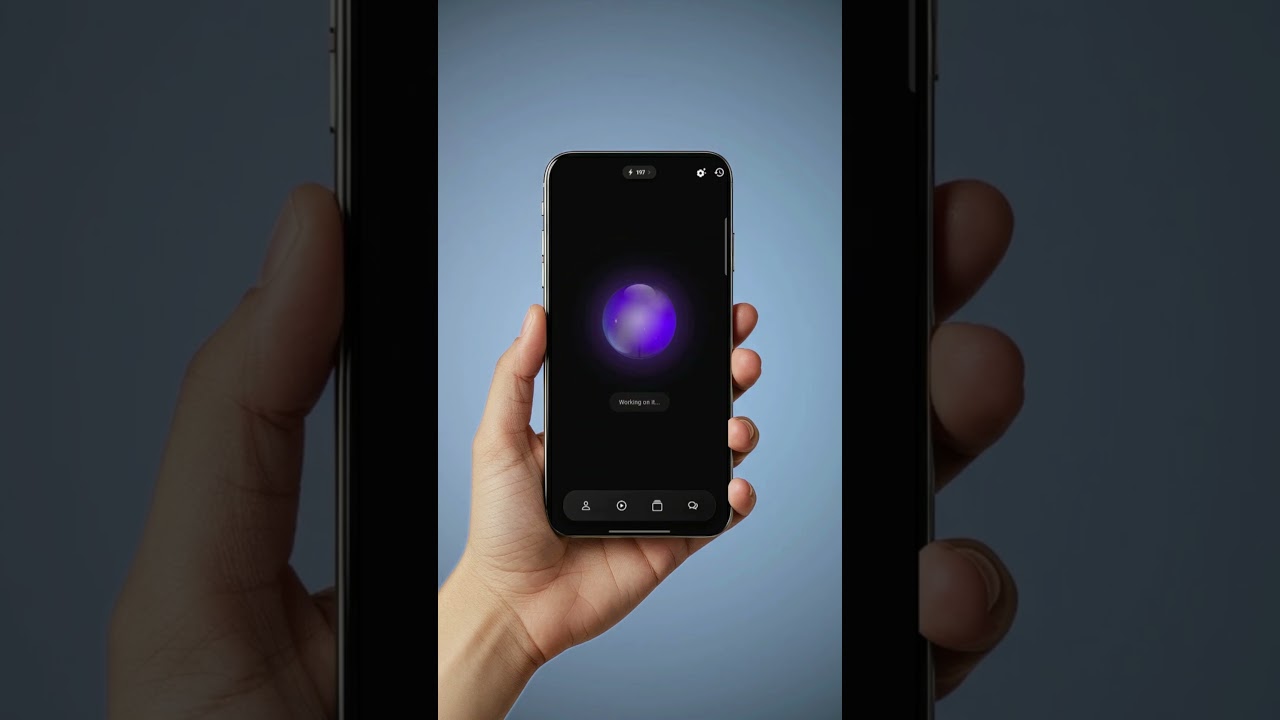
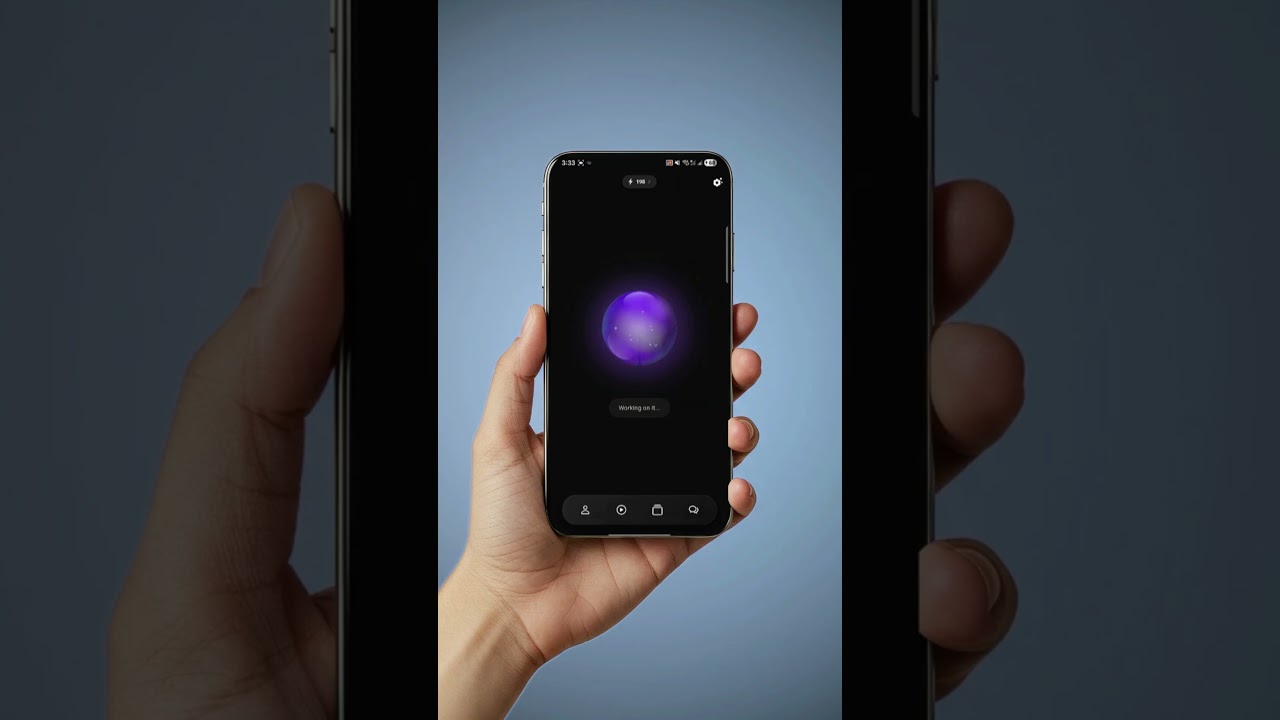
Disabling hints will remove the text prompts under the assistant orb/bubble that guide you on what to do and show the current assistant state.
What does the 'Think Timeout' option do?▼
The 'Think Timeout' option sets how long the assistant will wait before timing out from its thinking state. This is useful if you have a slower internet connection and want to prevent premature timeouts during longer processing times.
Assistant & Troubleshooting
How can I make Axel my default assistant or set up quick access?▼
You can map Axel AI to your phone's physical buttons or gestures for instant access without having to open the app.
📱 iOS (iPhone)
For iPhone 15 Pro, iPhone 16, and newer (Action Button):
- Go to Settings > Action Button.
- Swipe to the Shortcut option.
- Tap "Choose a Shortcut" and select Open App, then choose Axel AI.
For standard or older iPhones (Back Tap):
- Go to Settings > Accessibility > Touch.
- Scroll to the bottom and tap Back Tap.
- Choose either Double Tap or Triple Tap.
- Scroll down to find and select Axel AI (or select the "Open Axel" shortcut).
🤖 Android
Set as Default Assistant (Launch via Power Button or Swipe):
- Go to Settings > Apps > Default apps.
- Tap Digital assistant app (or Default digital assistant app) and select Axel AI.
- You can now trigger Axel using your standard assistant gesture (e.g., swiping from the bottom corner or holding the power/home button).
Samsung Galaxy Devices (Side Key Double Press):
- Go to Settings > Advanced features > Side button.
- Turn on Double press.
- Select Open app, then tap the gear icon to choose Axel AI.
What are Axel's current limitations?▼
While Axel is highly capable, there are a few important limits to keep in mind:
- I don’t access your private messages, emails, or call logs directly.
- I don’t see your screen (unless you take a photo or screenshot).
- I don’t answer calls on your behalf.
- I don’t generate images, create/process videos, or publish media to social networks.
- I don’t control vehicles or natively book transportation services.
Why does not Axel always respond to me when I say "Hey Axel"?▼
Axel is powered by a custom wake-word engine. Adjust listening sensitivity in Settings (⚙️ icon) and enable noise suppression in noisy environments.
What if Axel repeats itself or acts unexpectedly?▼
If Axel starts behaving oddly or misunderstanding you, try resetting the session. Say "clear the session" to Axel or tap the 🔄 icon in the App bar.
I sent a calendar invitation, but it didn't show up. Why?▼
Calendar invitations may take up to 15 minutes to appear due to delays in Calendar's app managing server, not Axel.
How do I reset my session with Axel?▼
To reset your session, say "clear the session" to Axel or tap the 🔄 icon in the App bar.
Are my sessions stored for future use?▼
No, sessions are temporary and reset when you start a new one. They are not stored for future use.
Does Axel support third-party app integrations?▼
Yes, Axel integrates with many popular apps and services. The available integrations depend on your plan tier.
Can Axel control smart home devices?▼
No, Axel cannot control smart home devices at this time. We may add this feature in the future, so please reach out to us at info@leaaxel.ai to share your use case.
How do I report a bug or suggest a feature?▼
You can report issues or suggest improvements through the app's feedback option or by emailing info@leaaxel.ai.
Why does the assistant say that I have no scheduled events or cannot see my calendar?▼
When you launch the app, please wait a few moments before making calendar-related requests. If the issue persists, try reloading the app.
Why doesn't the assistant access or load all my contacts?▼
The asistant can only access contacts saved on your phone, not on SIM cards. Some of your contacts might be saved on your SIM card. To fix this, move your contacts to your phone's storage and restart the app.
Why can't Axel access certain data on my phone?▼
For your privacy and security, Android and iOS only allow the default apps you've chosen to read messages and call logs. Even as a digital assistant, Axel cannot access this data to protect your privacy.